
RepoNest
All your Git repos in the menu bar.
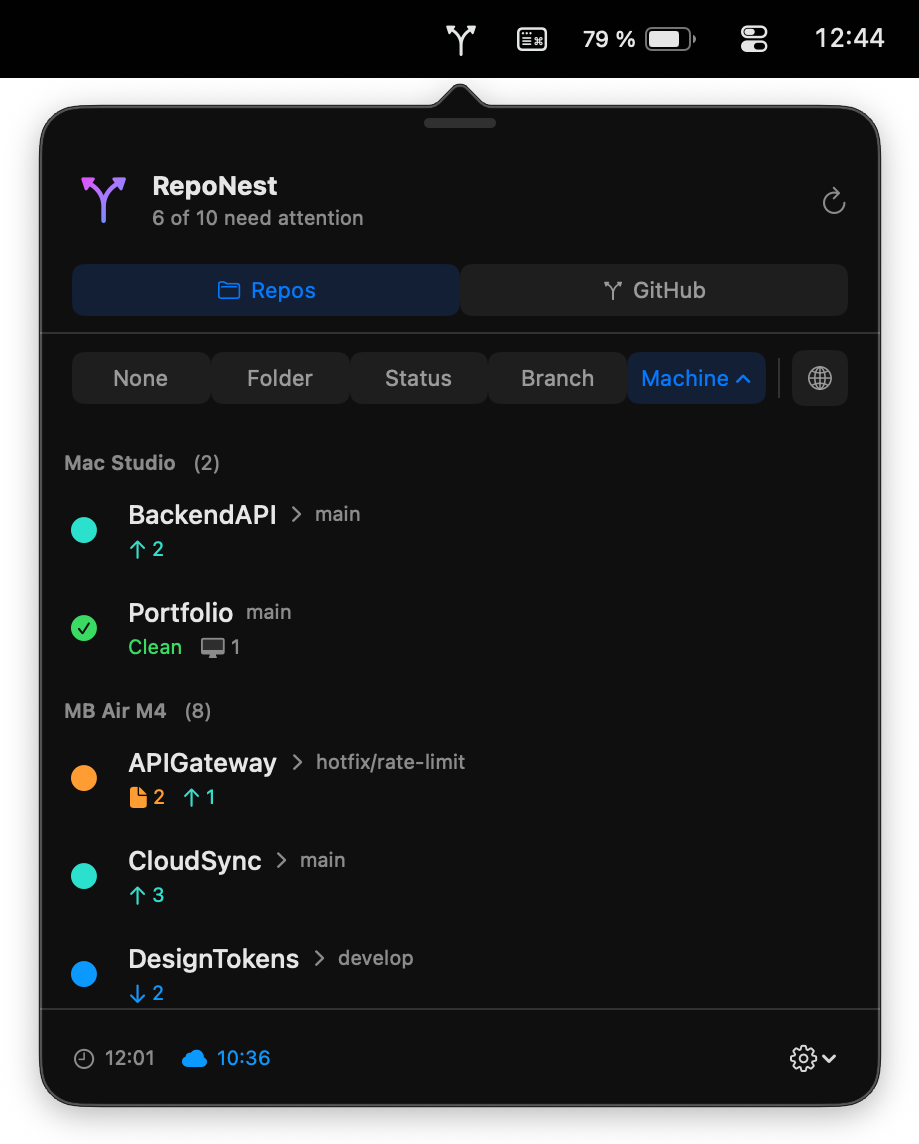
See what's changed, unpushed, or synced across Macs.
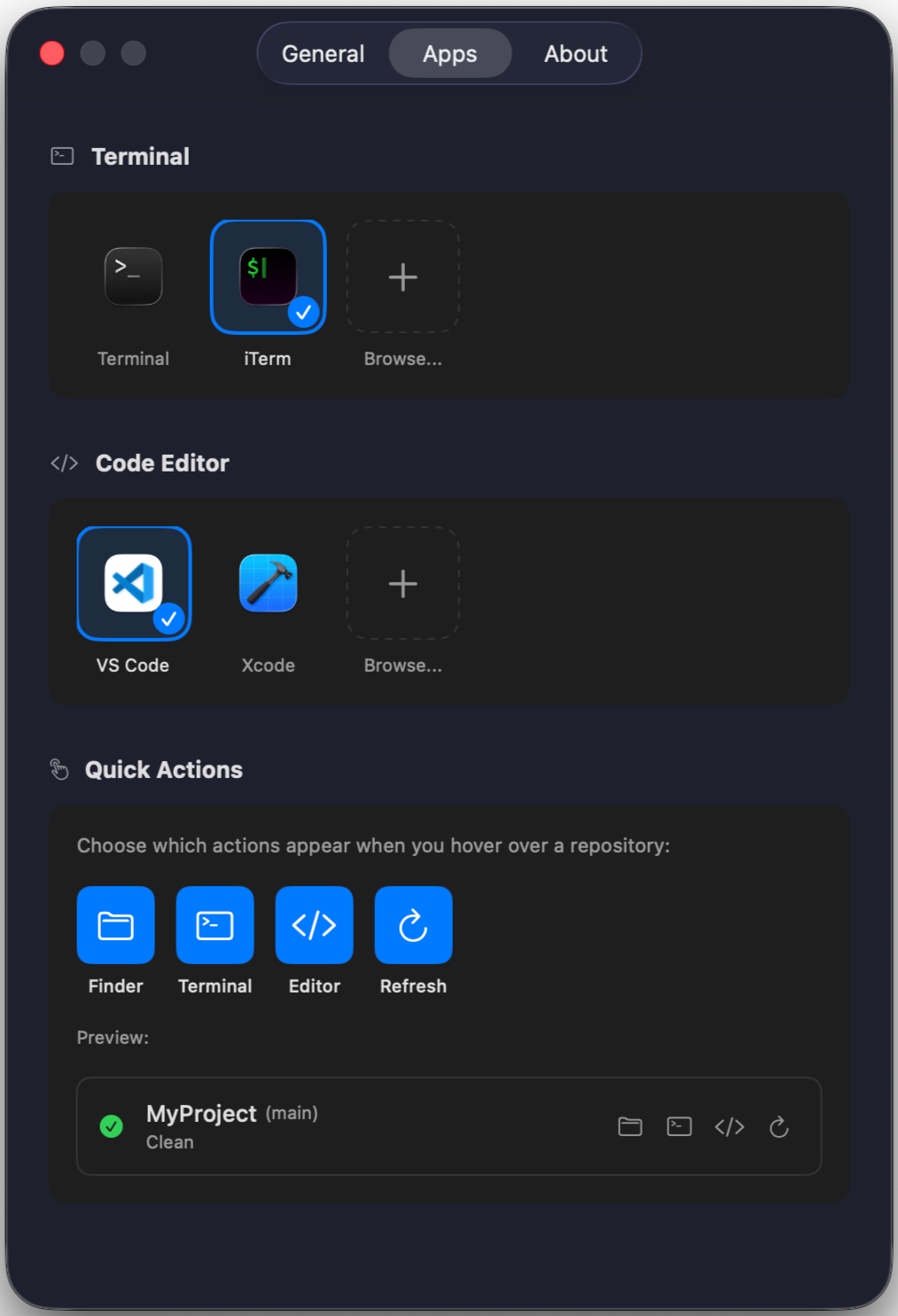
One click to open in your editor, terminal, or Finder.
The short version
RepoNest doesn't collect anything. Your data stays on your Mac and in your iCloud.
Privacy Policy
The short version:
RepoNest doesn't collect anything. Your data stays on your Mac and in your iCloud.No tracking, no analytics
No analytics. No crash reporting. No third-party SDKs. The app doesn't phone home.What's stored on your Mac
• GitHub token — stored in Keychain (macOS encrypted storage), sent only to GitHub
• Repo info — paths, branches, status cached in UserDefaults
• Folder access — bookmarks for folders you've granted access toiCloud sync
If enabled, repo names, branches, and status sync across your Macs via CloudKit. It's your private iCloud container — I can't see it, nobody else can. No code or file contents ever sync.GitHub
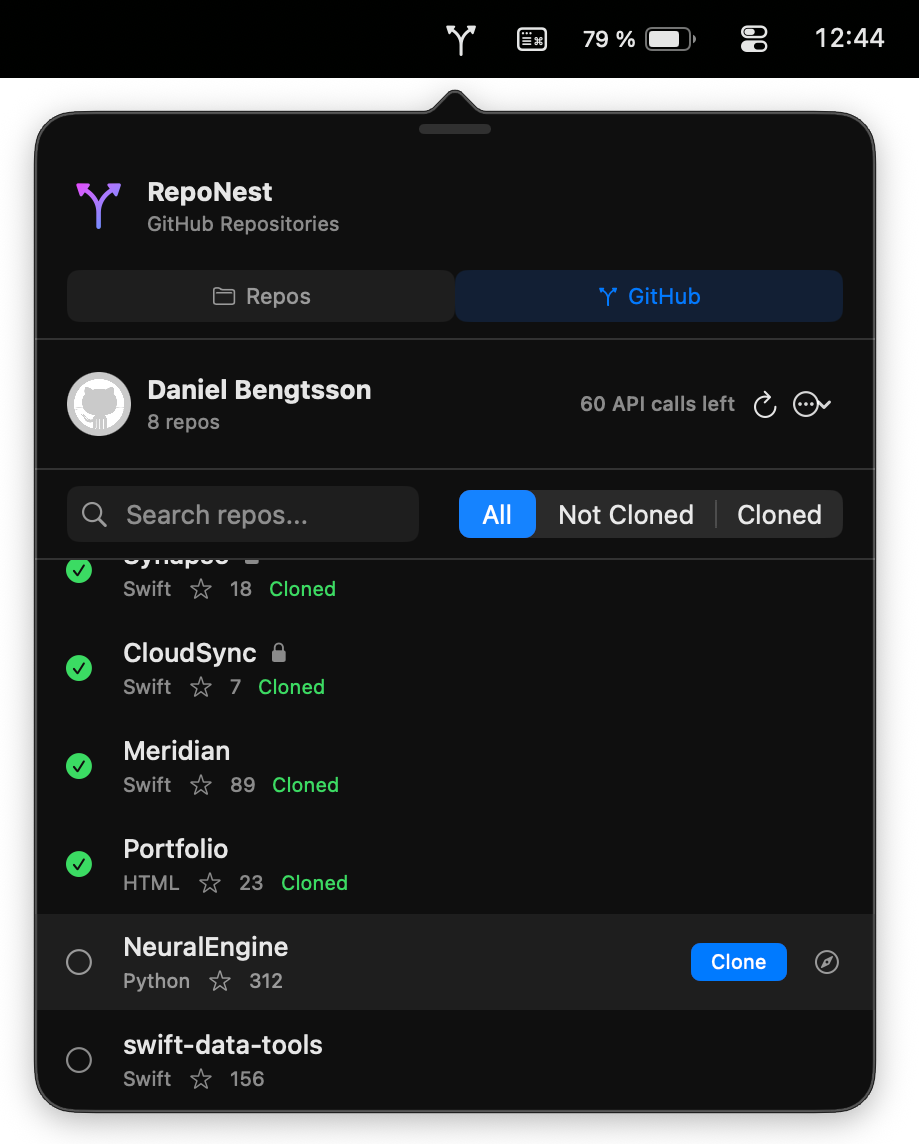
When you connect GitHub, the app talks directly to api.github.com. No middleman server. Your token goes to GitHub over HTTPS, nowhere else.Git
The app runs your local git to check repo status. Read-only, except when you clone something to a folder you choose.That's it
RepoNest only talks to GitHub (if you connect it) and iCloud (if you use sync). Nothing else.Questions? [email protected]
Last updated January 2026